


Organizational change announcements are formal messages that communicate significant shifts, such as leadership changes, restructuring, or policy updates, to employees. They set expectations, clarify direction, and shape how people respond to change. Effective announcements reduce confusion, align stakeholders, and preserve trust.
In Prosci’s 12th-Edition Best Practices in Change Management study found that projects rated “excellent” in managing the people side of change were 7× more likely to meet or exceed their objectives than those rated “poor.”
That underscores how precise, timely communication isn’t optional, it is fundamental to successful transformation.
In this article, we’ll discuss the importance of writing effective change announcements, discuss how and where to make these change communication alerts, and break down some examples of strong organizational change announcement messages to use as inspiration for your next change project.
Why Is an Organizational Change Announcement Important?
Organizational changes enable businesses to adapt and thrive as markets evolve. Getting employees on board is essential for maintaining productivity and supporting them throughout transitions.
Employees, stakeholders, and loyal customers depend on clear communication from leadership to help them navigate the implications of change on their job roles, work environments, and, in the case of customers, the services they expect from your company.
Effective communication between leadership, employees, and the public through times of change helps facilitate transitions, ease tensions, and build a culture of trust, transparency, and resilience.
How to Write an Effective Change Announcement
Delivering effective announcements about organizational change can be challenging. It requires a delicate balance of detail and reassurance to ensure positive employee reception.
Here is a step-by-step guide on how to craft and deliver an effective announcement about organizational change to your team members:
1. Define the objective
Before drafting, clarify what the announcement must achieve. Do you want employees simply to be aware of a leadership change, or do you want them to take action like completing training or adopting a new tool? A clear objective ensures your message is purposeful and aligned with organizational goals.
2. Identify the audience
Not every employee needs the same level of detail. Tailor your message to different groups like frontline staff, managers, executives, based on how the change affects them. Audience segmentation prevents generic messaging that feels irrelevant or confusing.
3. Clarify who is delivering the message
Announcements carry more weight when they come from the right messenger. Executive sponsors or senior leaders should deliver messages about strategic or structural changes, while managers can handle team-specific updates. Leadership visibility builds trust and credibility.
4. State what is changing
Be explicit about the nature of the change whether it is a new technology, a reorganization, or a policy shift. Employees need to understand what is happening in concrete terms, not abstract language. Avoid jargon that creates ambiguity.
5. Explain why the change is happening
Employees are more likely to support change when they understand the “why.” Connect the change to strategic goals such as efficiency, compliance, or growth. Highlight the benefits to both the organization and employees to reduce resistance to change.
6. Share the timeline and milestones
Provide clarity on when the change will take place, including key phases and deadlines. Timelines help employees prepare mentally and practically, reducing uncertainty and speculation.
7. Highlight the impact on employees
Spell out how the change affects day-to-day work. Be honest about new responsibilities, adjustments to workflows, or potential disruptions. Balanced communication builds credibility and minimizes anxiety.
8. Provide resources and support
Include links to training, FAQs, help desks, or in-app guidance tools. Employees who know where to go for support are more confident and less resistant to change.
9. Invite feedback and questions
Make communication two-way. Provide channels such as surveys, town halls, or manager Q&As, where employees can raise concerns. Listening actively fosters trust and surfaces barriers early.
10. Plan follow-up communications
One message is never enough. Reinforce your announcement with reminders, updates, and status reports. Repetition across multiple channels ensures the message sticks and signals leadership commitment.
Organizational Change Announcement Templates
Here are some ready-to-use announcement templates for different types of organizational change.
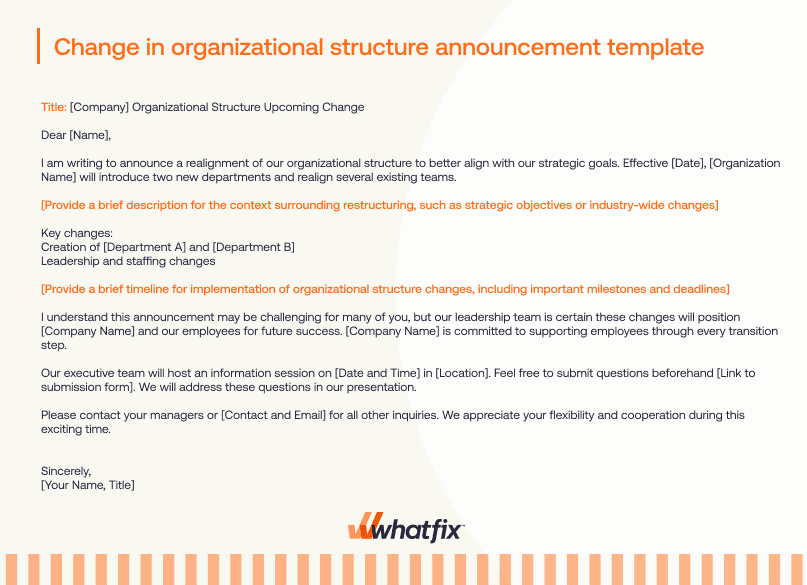
1. Change in organizational structure announcement template
Title: [Company] Organizational Structure Upcoming Change
Dear [Name],
I am writing to announce a realignment of our organizational structure to better align with our strategic goals. Effective [Date], [Organization Name] will introduce two new departments and realign several existing teams.
[Provide a brief description for the context surrounding restructuring, such as strategic objectives or industry-wide changes]
Key changes:
- Creation of [Department A] and [Department B]
- Leadership and staffing changes
[Provide a brief timeline for implementation of organizational structure changes, including important milestones and deadlines]
I understand this announcement may be challenging for many of you, but our leadership team is certain these changes will position [Company Name] and our employees for future success. [Company Name] is committed to supporting employees through every transition step.
Our executive team will host an information session on [Date and Time] in [Location]. Feel free to submit questions beforehand [Link to submission form]. We will address these questions in our presentation.
Please contact your managers or [Contact and Email] for all other inquiries. We appreciate your flexibility and cooperation during this exciting time.
Sincerely,
[Your Name, Title]
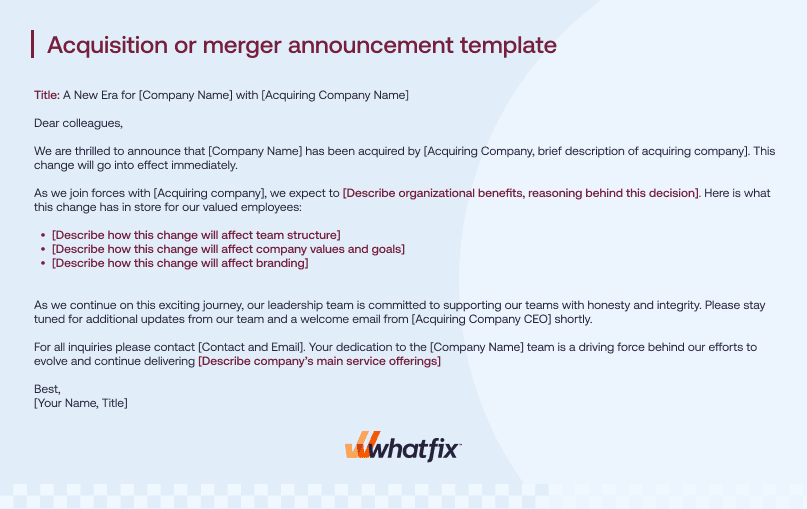
2. Acquisition or merger announcement template
Title: A New Era for [Company Name] with [Acquiring Company Name]
Dear colleagues,
We are thrilled to announce that [Company Name] has been acquired by [Acquiring Company, brief description of acquiring company]. This change will go into effect immediately.
As we join forces with [Acquiring company], we expect to [Describe organizational benefits, reasoning behind this decision]. Here is what this change has in store for our valued employees:
- [Describe how this change will affect team structure]
- [Describe how this change will affect company values and goals]
- [Describe how this change will affect branding]
As we continue on this exciting journey, our leadership team is committed to supporting our teams with honesty and integrity. Please stay tuned for additional updates from our team and a welcome email from [Acquiring Company CEO] shortly.
For all inquiries, please contact [Contact and Email]. Your dedication to the [Company Name] team is a driving force behind our efforts to evolve and continue delivering [Describe company’s main service offerings]
Best,
[Your Name, Title]
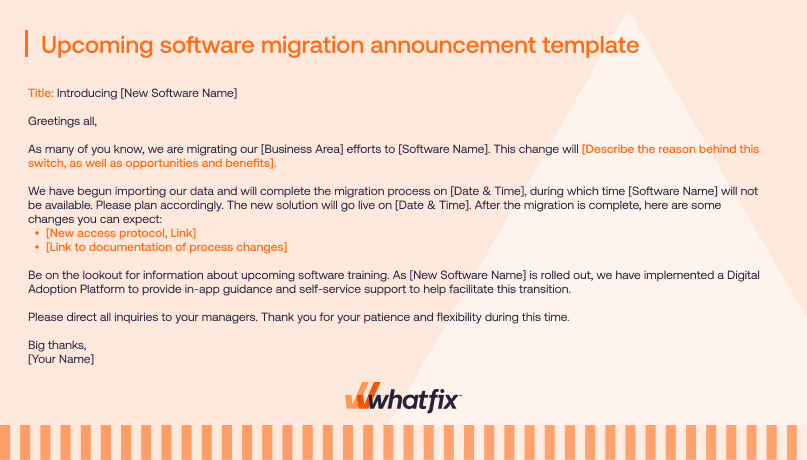
3. Upcoming software migration announcement template
Title: Introducing [New Software Name]
Greetings all,
As many of you know, we are migrating our [Business Area] efforts to [Software Name]. This change will [Describe the reason behind this switch, as well as opportunities and benefits].
We have begun importing our data and will complete the migration process on [Date & Time], during which time [Software Name] will not be available. Please plan accordingly. The new solution will go live on [Date & Time]. After the migration is complete, here are some changes you can expect:
- [New access protocol, Link]
- [Link to documentation of process changes]
Be on the lookout for information about upcoming software training. As [New Software Name] is rolled out, we have implemented a Digital Adoption Platform to provide in-app guidance and self-service support to help facilitate this transition.
Please direct all inquiries to your managers. Thank you for your patience and flexibility during this time.
Big thanks,
[Your Name, Title]
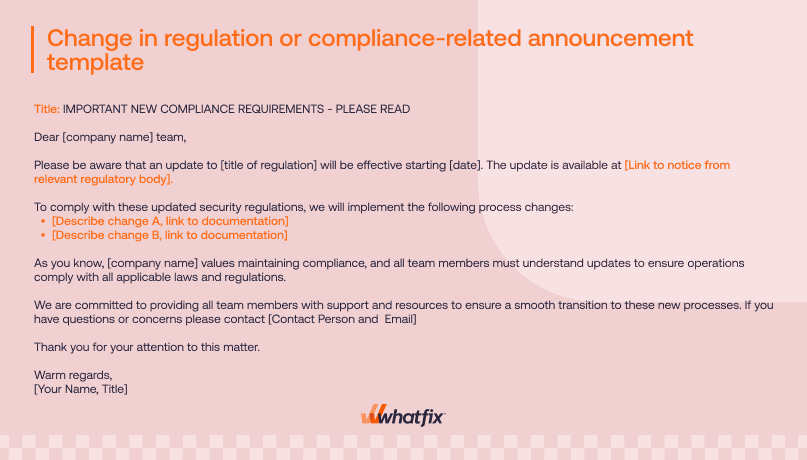
4. Change in regulation or compliance-related announcement template
Title: IMPORTANT NEW COMPLIANCE REQUIREMENTS – PLEASE READ
Dear [company name] team,
Please be aware that an update to [title of regulation] will be effective starting [date]. The update is available at [Link to notice from relevant regulatory body].
To comply with these updated security regulations, we will implement the following process changes:
- [Describe change A, link to documentation]
- [Describe change B, link to documentation]
As you know, [company name] values maintaining compliance, and all team members must understand updates to ensure operations comply with all applicable laws and regulations.
We are committed to providing all team members with support and resources to ensure a smooth transition to these new processes. If you have questions or concerns please contact [Contact Person and Email]
Thank you for your attention to this matter.
Warm regards,
[Your Name, Title]
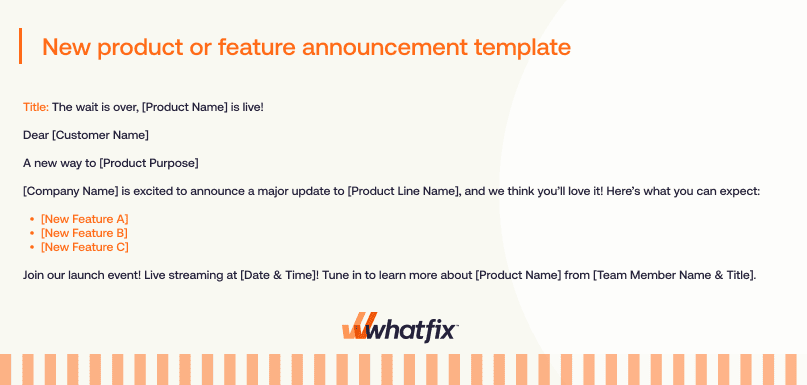
5. New product or feature announcement template
Title: The wait is over, [Product Name] is live!
Dear [Customer Name]
A new way to [Product Purpose]
[Company Name] is excited to announce a major update to [Product Line Name], and we think you’ll love it! Here’s what you can expect:
- [New Feature A]
- [New Feature B]
- [New Feature C]
Join our launch event! Live streaming at [Date & Time]! Tune in to learn more about [Product Name] from [Team Member Name & Title].
6. New company policy change announcement template
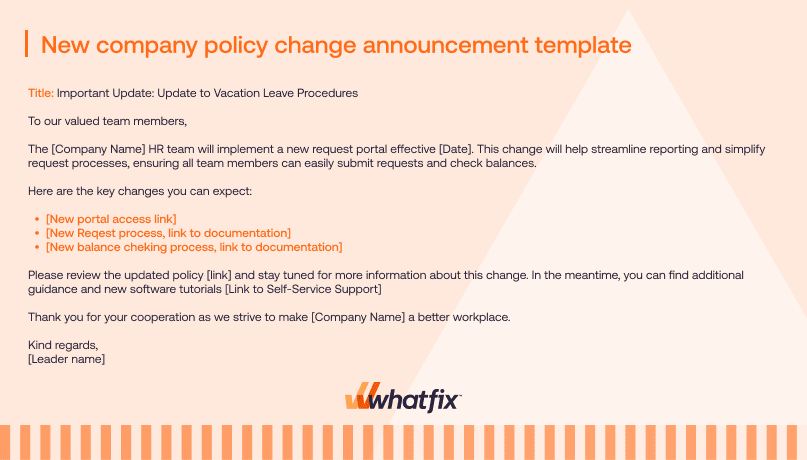
Title: Important Update: Update to Vacation Leave Procedures
To our valued team members,
The [Company Name] HR team will implement a new request portal effective [Date]. This change will help streamline reporting and simplify request processes, ensuring all team members can easily submit requests and check balances.
Here are the key changes you can expect:
- [New portal access link]
- [New Request process, link to documentation]
- [New balance checking process, link to documentation]
Please review the updated policy [link] and stay tuned for more information about this change. In the meantime, you can find additional guidance and new software tutorials [Link to Self-Service Support]
Thank you for your cooperation in making [Company Name] a better workplace.
Kind regards,
[Leader name]
You can also download all the above change announcement templates by filling out the form below:
5 Channels to Make Company Change Announcements
Major announcements are better received when delivered via certain channels, depending on the type of announcement, the target audience, and the organization’s typical communication culture.
Here are some of the most common channels used for delivering important change-related organizational announcements:
1. Email
Email is one of the most widely used and versatile channels for any business communications. Emails can be highly customized and used for both company-wide announcements and smaller-group notifications.
Announcement emails can contain as much detail as necessary as links and attachments to relevant resources. Many workplace communications platforms include features such as email scheduling and tracking to ensure emails are disseminated at the right time and read by its intended recipients.
Company-wide emails are generally best suited for formal announcements about changes to company leadership, policies, and strategic direction, such as news about an internal promotion to organizational leadership or a rollout of a new L&D initiative.
2. In-app communication
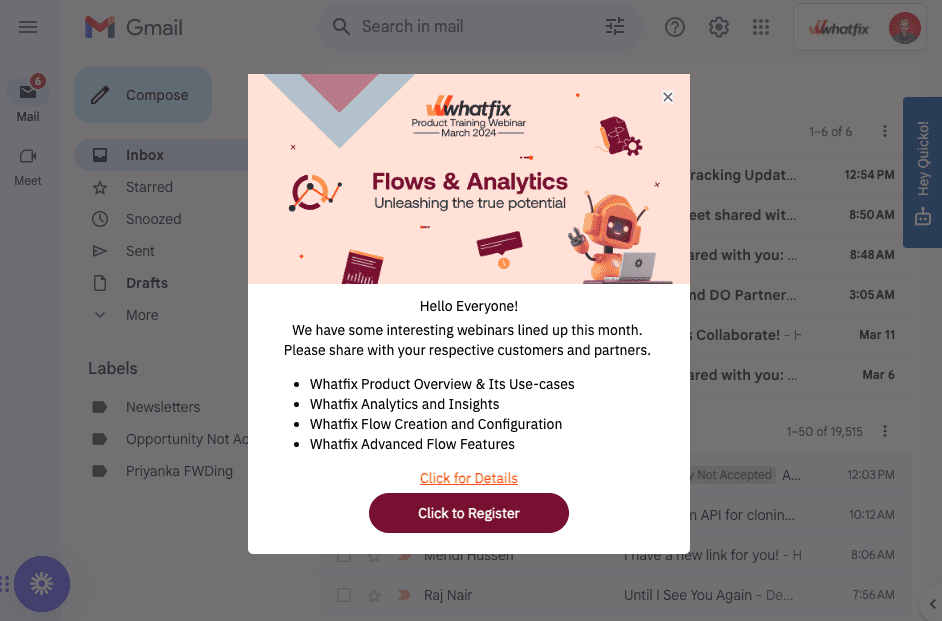
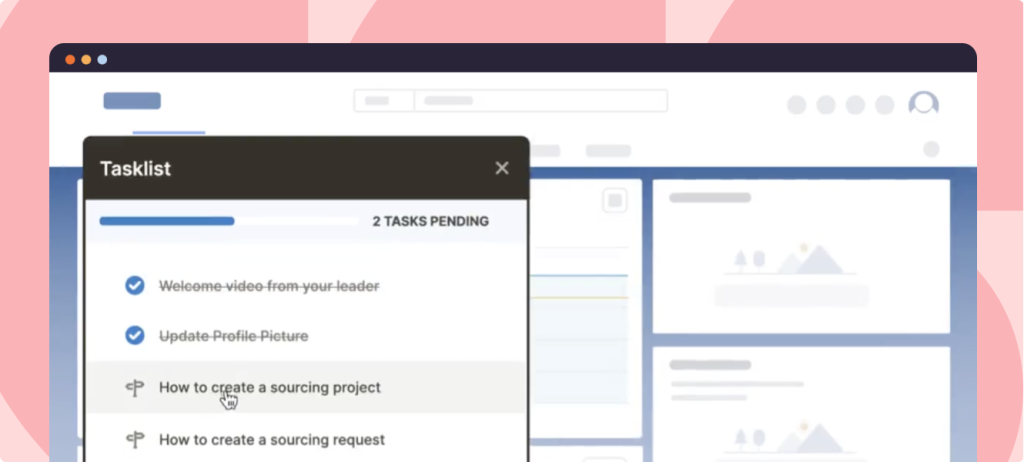
Use digital adoption platforms (DAP) to create in-app messaging to inform employees about changes to business processes or announce internal events while they use their workplace software applications. In-app communication, such as popups and banners, can be personalized and programmed to appear at specific times or when certain actions are taken to provide employees with relevant information without requiring them to click away from the app or open their email inbox.
3. Slack
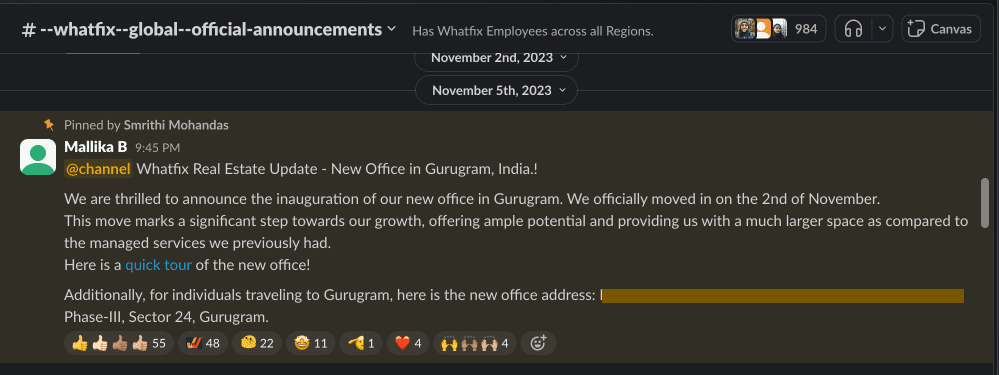
Internal communication tools like Slack allow business leaders to send instant messages to communicate with their teams in real-time. For example, a manager might use Slack to announce new training requirements or to give a heads-up about an important new client in the pipeline.
Slack is particularly effective for making concise, straightforward announcements or sending teams reminders to check their emails for company-wide communications. This app is also useful for fostering conversation and community among smaller teams as announcements about larger-scale changes affect the larger organization.
4. All-hands and department meetings
Company town halls and all-hands meetings effectively communicate complex and sensitive changes to employees. They allow leaders to deliver news directly to convey a sense of community and open up opportunities for questions and feedback. These meetings can take place in person or virtually, and work well for delivering bigger company announcements, like department restructuring, office-related updates, product launches, leadership departures, funding rounds, and acquisitions or mergers.
5. Letter or video from leadership
Videos or letters from leadership are useful for announcing significant organizational changes internally and externally. Company-wide letters and pre-recorded videos help leadership align the organization with a new vision and goals while communicating the rationale for change to achieve team member sign-on.
These more formal channels are particularly effective for serious changes, like crisis management, culture shifts, or introducing new initiatives. They allow leaders to provide the clarity and context employees need to understand how changes might affect them and feel at ease about large-scale change.
4 Examples of Organizational Change Announcements
Change announcements require strong writing skills and a contextual understanding of how the change will impact those receiving the message. The bigger the impact, the more difficult crafting the organizational-wide change announcement will be.
Use these examples of real-world organizational change announcements for additional inspiration.
1. Facebook rebrands to Meta with social media announcements:
Facebook, the enormously prominent social networking platform, rebranded to Meta in 2021. To announce this change, the company unveiled a minimal new sign with Meta branding at its headquarters in California before formally announcing the large-scale rebrand. As part of the announcement process, Meta released this similarly simple tweet.

By emphasizing visual elements and providing just enough information, Meta was able to capture customers’ attention and assure them that the company’s goals would remain focused on social connection.
2. Whatfix announces new “QuickRead” feature to its sales team with an in-app Salesforce pop-up
In-app change communication can take the form of pop-ups, banners, or other in-app notifications. These are effective for reaching users directly within their digital workplace, like when they open their email client, CRM, HCM, or other mission-critical software they use every day.
Here at Whatfix, we recently announced our new Quick Read feature to our internal GTM and sales teams with an announcement pop-up in Salesforce.
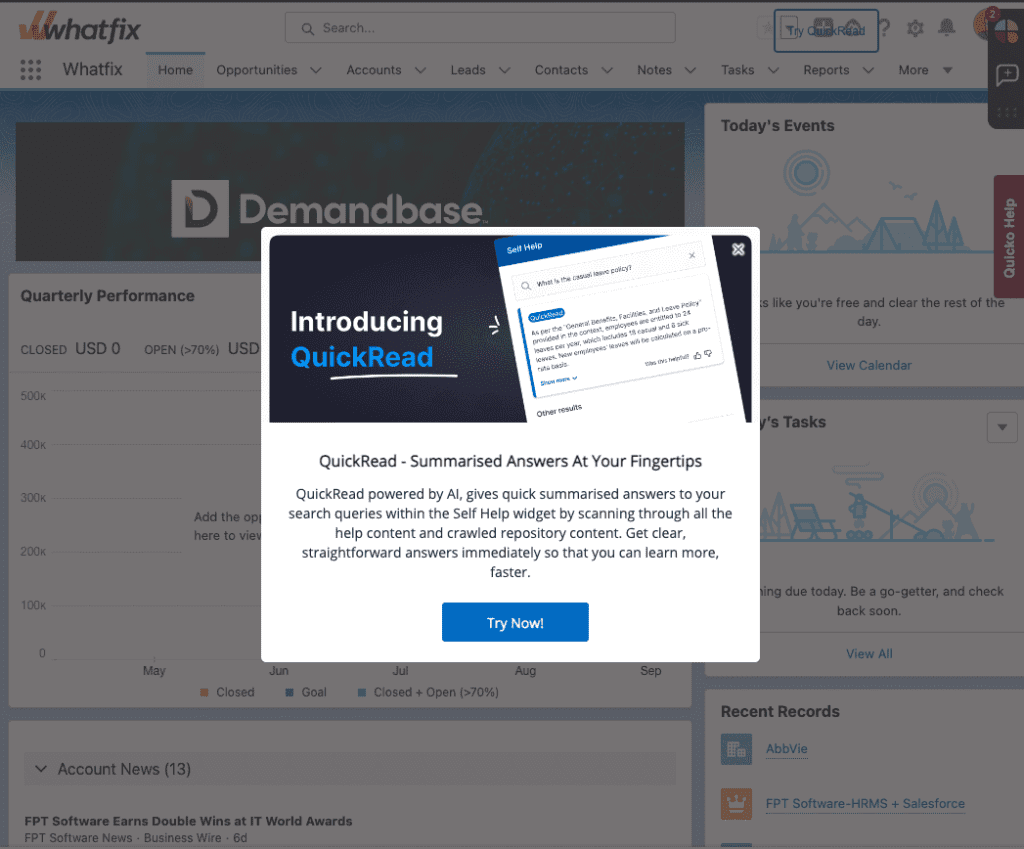
This pop-up exemplifies the power of in-app messaging. The image on includes the name of the new feature next to a mock-up of what Quick Read content would look like, while the copy below includes a brief description of what the tool can offer and how it will help employees.
The pop-up CTA linked sellers to a demo environment where they could engage with the new feature and find additional documentation to learn more about the feature and help communicate its value with current customers and prospects.
3. Peloton announces eCommerce, product launches, and life info sessions via email
Peloton is an American fitness company that sells exercise equipment like bikes, treadmills, and indoor rowers designed to be paired with its on-demand, virtual class subscriptions. Peloton uses email to communicate eCommerce updates and product lounges with its customers.
For example, in 2020, the company announced its new product, Peloton Tread, by emailing its customers with a letter written by CEO, John Foley.
This email also included an announcement about an upcoming YouTube Live informational session where customers could ask their own questions to Peloton’s product team. The next year they incorporated safety key and Tread Lock features to eliminate safety issues with earlier models. In 2022 Peloton announced that its products would be available for purchase in Amason’s US stores
4. In-person
Since 2014, Microsoft has held monthly Employee Town Hall meetings where CEO and other executives address the entire company. During the Pandemic, Microsoft moved all of its large meetings online, and the company used this shift as an opportunity to promote two-way communication between employees and senior leadership.
To this day, Microsoft continues to host company-wide Q&A sessions to demonstrate a commitment to transparency and cultural transformation. These town halls often announce upcoming corporate and product news while providing employees with opportunities to seek clarity from executives directly.
Change Clicks Better With Whatfix
Organizational change succeeds when employees feel informed, supported, and confident in navigating new ways of working. Thoughtful, well-timed announcements help reduce change fatigue and keep teams aligned, but execution requires more than communication alone.
With Whatfix, organizations can deliver change directly in the flow of work:
- In-app communication: Create targeted alerts and announcements inside business applications to inform employees of upcoming or ongoing changes.
- Guided workflows: Provide step-by-step guidance on new processes so employees can adopt changes without disruption.
- Real-time support: Surface contextual Self Help at points of friction, empowering employees to troubleshoot issues quickly.
- Scalable training: Use no-code, self-guided experiences to onboard employees, reinforce learning, and build long-term digital dexterity.
By combining communication, training, and analytics, Whatfix enables enterprises to accelerate user adoption, minimize resistance, and roll out change with confidence and minimal downtime.
Ready to see how Whatfix can help your workforce embrace change? Request a demo with us today.