






Enterprise application owners need visibility into how teams use business-critical software, from tracking adoption after a new software rollout, identifying which workflows are most error-prone, to analyzing the root cause of support tickets. High-level application usage reports rarely provide enough information to determine where problems originate or what needs to change.
Behavioral analytics tools enable digital transformation and IT leaders to analyze employee behavior, identify workflow friction, compare digital adoption across business units, and prioritize improvements to business applications. The right product analytics tool helps organizations investigate whether workflow problems stem from user proficiency, workflow design, or other underlying pain points.
This guide compares eight behavioral analytics tools built for enterprise software, helping application managers and process owners select the right user behavioral analytics tool to support business application adoption monitoring, workflow optimization, and continuous software value realization efforts.
What Are Behavioral Analytics Tools for Enterprise Applications?
Behavioral analytics tools collect and analyze user interactions with enterprise software, including feature usage, navigation paths, task progression, repeated actions, user errors, and workflow drop-offs. For enterprise business application owners, these insights help identify and prioritize system optimization opportunities, uncover where users are struggling, drive adoption, and maximize ROI from transformation initiatives.
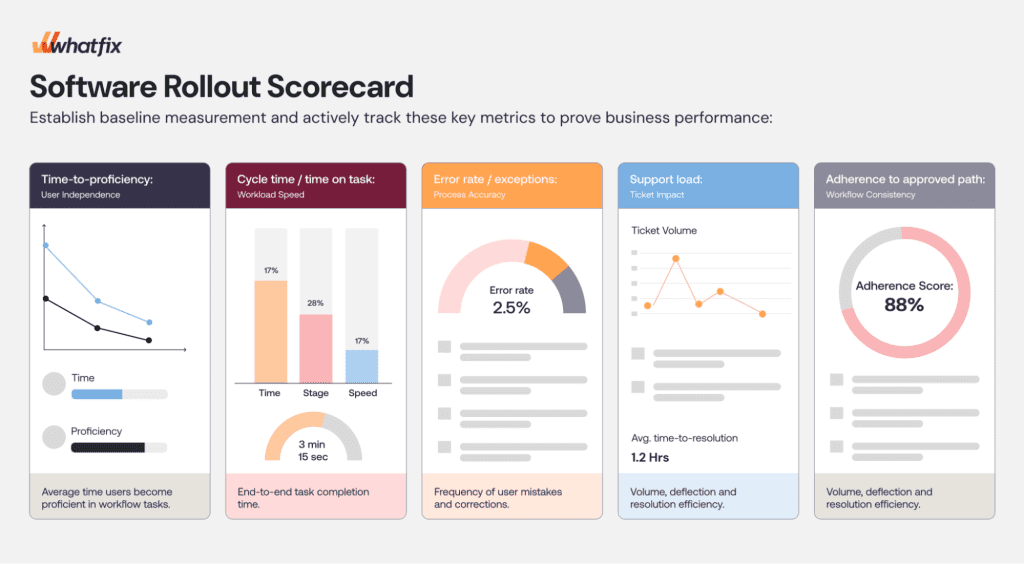
Above: Example of a software rollout scorecard that uses user behavioral analytics to report on business software performance and ROI.
Business application adoption analytics is a core use case that evaluates whether employees are using the intended features and workflows effectively. Organizations typically combine behavioral insights with operational data, employee feedback, and technical diagnostics to determine which improvements are necessary when reporting on digital adoption.
8 Best Behavioral Analytics Tools for Enterprise Software
Here’s a look at the top behavioral analytics tools enterprises use to track business software usage and adoption:
1. Whatfix Product Analytics
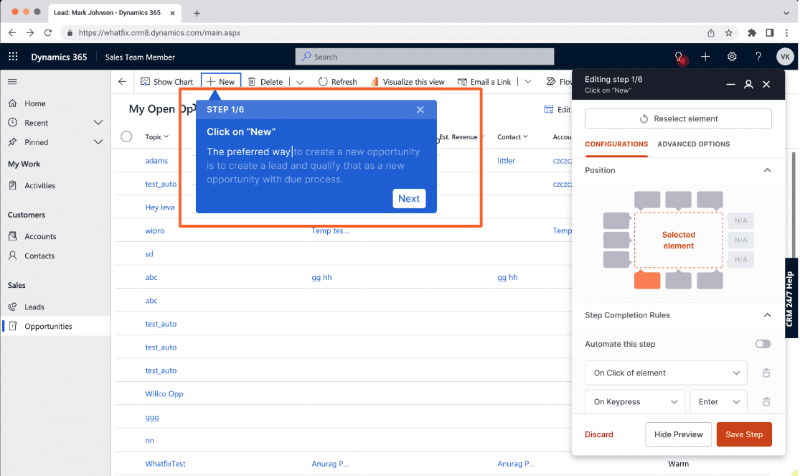
Whatfix Product Analytics is the behavioral analytics component of Whatfix’s AI-native Digital Adoption Platform. It helps application owners understand how employees use enterprise applications, where they encounter friction, and which workflows or employee groups require attention.
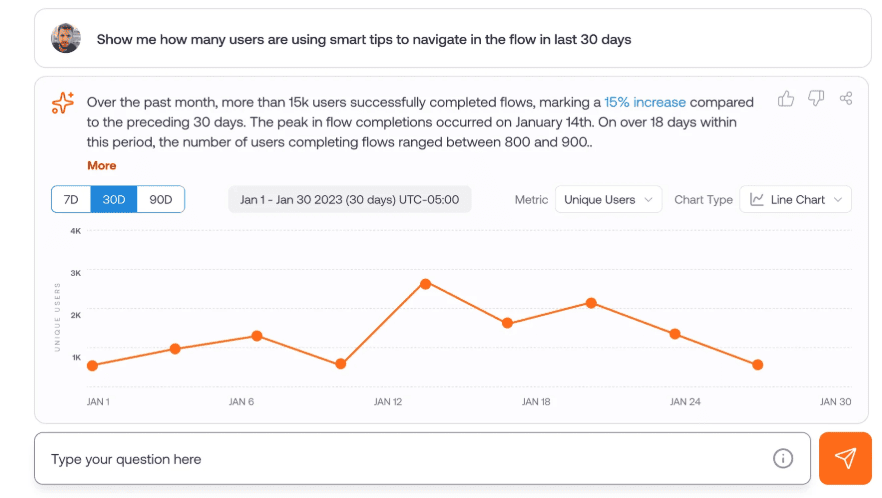
The platform supports analysis of user behavior within business applications, including ERP, CRM, HCM, and other employee-facing systems. When analytics reveal a confirmed proficiency or execution gap, organizations can use Whatfix DAP to introduce contextual in-app guidance and self-service support within the affected workflow.
Whatfix Product Analytics Is Best For
Enterprise application managers and process owners who need to identify workflow friction, improve adoption, and support employees within business applications to realize their intended value and drive business outcomes.
Key Whatfix Product Analytics Features
- User Actions and AutoCapture: Capture configured application interactions and analyze how employees use critical features and workflows.
- Funnel Insights: Measure progression through defined workflow steps and identify drop-offs.
- User Journeys: Visualize navigation paths, repeated actions, and variations in employee behavior.
- Cohort Analysis: Compare adoption and workflow activity across employee groups.
- AI Insights: Surface patterns and potential friction points to support further investigation.
- Session Replay: Review captured interactions to investigate selected user experiences, subject to feature availability and deployment requirements.
- Companion DAP capabilities: Use contextual Flows, Smart Tips, Field Validations, and Self Help to support users when targeted intervention is needed.
2. Userlane
Userlane provides application intelligence and contextual assistance for organizations managing employee-facing software. It helps digital transformation and business application leaders evaluate whether applications are being used effectively and identify opportunities to improve employee productivity.
Userlane’s HEART analytics framework incorporates dimensions such as employee satisfaction, efficiency, adoption, risk, and task success. These measures can support analysis of usage patterns and execution issues within enterprise workflows.
Userlane Is Best For
Enterprises that want standardized application adoption and task-performance measurement combined with employee assistance.
Key Userlane Features
- Application Intelligence: Provides visibility into enterprise application usage and performance.
- HEART Analytics: Evaluates employee experience, adoption, task efficiency, risk, and task success.
- Task Analytics: Helps identify whether defined workflows are completed and where users experience problems.
- Audience Analysis: Supports comparisons across relevant employee segments.
- Contextual Assistance: Delivers in-app guidance and support for users of enterprise applications.
3. Pendo
Pendo combines software usage analytics with digital guidance and feedback capabilities. It can help application owners examine how employees navigate applications, where they abandon defined sequences, and how different user groups adopt features.
Pendo supports multiple deployment approaches, including direct installation for applications where organizations can insert its script and Pendo Launcher for supported third-party applications.
Pendo Is Best For
Organizations that need behavioral analytics, application engagement reporting, and in-app guidance.
Key Pendo Features
- Funnels: Analyze progression through defined application steps.
- Paths: Examine navigation sequences and alternative routes.
- User Segmentation: Compare behavioral patterns across visitor or account groups.
- Session Replay: Investigate supported recorded experiences.
- In-App Guides: Provide contextual onboarding and workflow assistance.
- Resource Center: Give users access to relevant in-app help resources.
4. Fullstory Workforce
Fullstory Workforce is designed to help organizations analyze how employees interact with internal software and identify inefficient workflows.
Its Workflow Intelligence offering provides a process-oriented view of work that can span multiple applications. This makes it relevant to enterprises investigating cross-system activities such as procurement, customer support, and service operations.
Fullstory Workflow Is Best For
Understanding employee behavior and operational friction across multiple business applications.
Key Fullstory Workforce Features
- Employee Interaction Capture: Collects activity in configured internal applications.
- Session Analysis: Supports investigation of navigation and interaction patterns.
- Workflow Intelligence: Groups activity associated with a defined business process across supported applications.
- Process Efficiency Analysis: Helps identify unnecessary steps, application switching, and operational bottlenecks.
- Workflow Performance Measures: Supports analysis of selected process activities and elapsed work.
5. Quantum Metric
Quantum Metric offers behavioral and experience analytics capabilities for understanding how employees navigate internal applications.
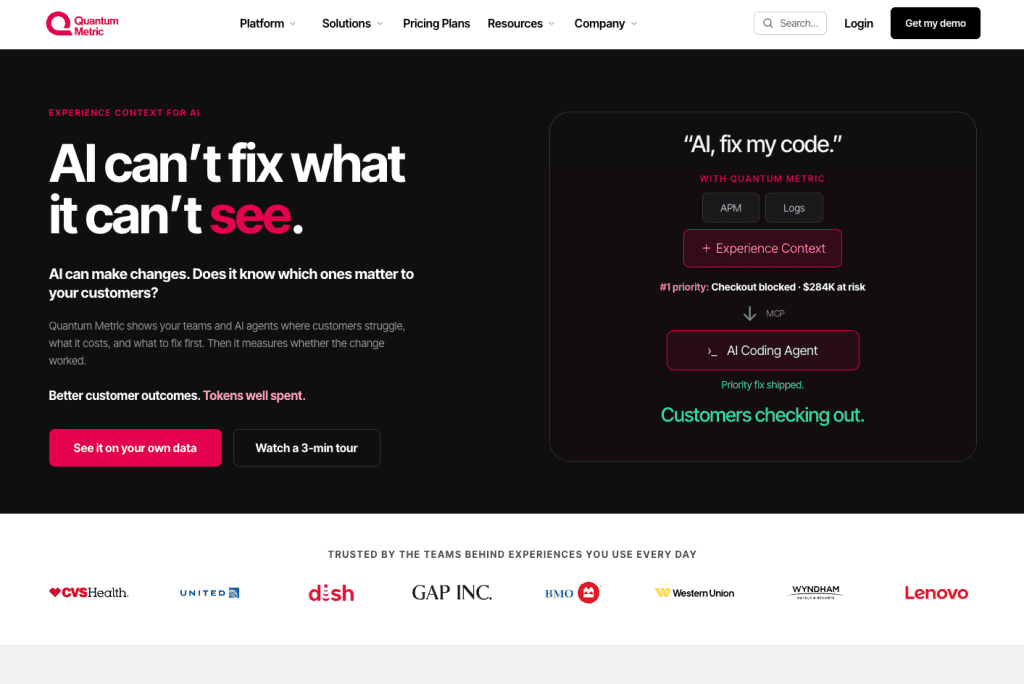
Its employee experience offering combines user behavior evidence with technical experience signals, helping organizations identify workflow problems, confusing interfaces, repeated actions, and errors that may affect employee productivity.
Quantum Metric Is Best For
Enterprises investigating digital employee experience, application friction, and workflow problems.
Key Quantum Metric Features
- Employee Journey Analytics: Examines navigation and interaction sequences.
- Session Replay: Provides captured interaction context for investigating selected issues.
- Interaction Heatmaps: Identifies frequently used or problematic interface elements.
- Error and Friction Analysis: Helps investigate technical errors, repeated activity, and other experience problems.
- AI-Assisted Analysis: Supports investigation and prioritization of observed patterns.
- Employee Feedback and Alerts: Adds qualitative context and monitoring capabilities to behavioral findings.
6. Amplitude
Amplitude is a digital analytics platform offering event-based behavioral analysis, user segmentation, session replay, and complementary experience capabilities.
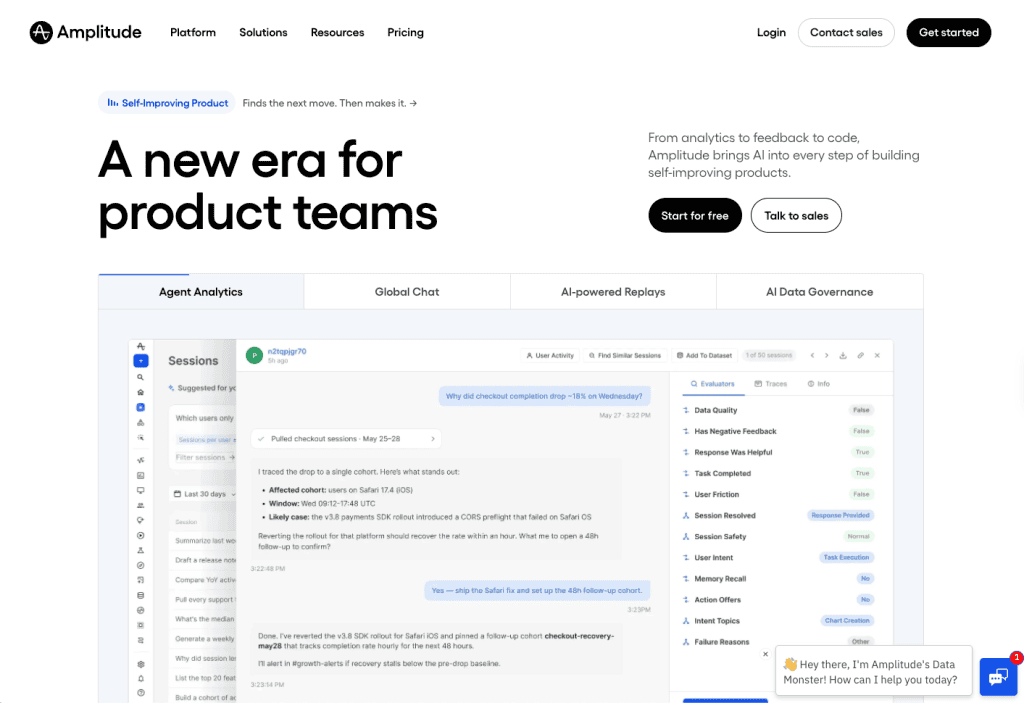
It can be useful for organizations operating proprietary enterprise applications, employee portals, or internally developed platforms where analytics teams can configure the required event collection.
Amplitude Is Best For
Enterprises with applications they can instrument and a need for detailed behavioral analysis.
Key Amplitude Features
- Funnel Analysis: Measures progression through defined application sequences.
- Behavioral Cohorts: Segments users based on attributes and observed behavior.
- Journey Analysis: Investigates how users navigate supported applications.
- Session Replay: Provides captured interaction context alongside behavioral data.
- Guides and Surveys: Enables targeted in-app enablement and feedback mechanisms.
- Experimentation: Supports testing selected application or experience changes.
7. Mixpanel
Mixpanel provides event-based analytics for investigating how users interact with digital applications. Its analytical capabilities can help teams identify workflow drop-offs, repeated behavior, changes in feature adoption, and differences between employee cohorts.
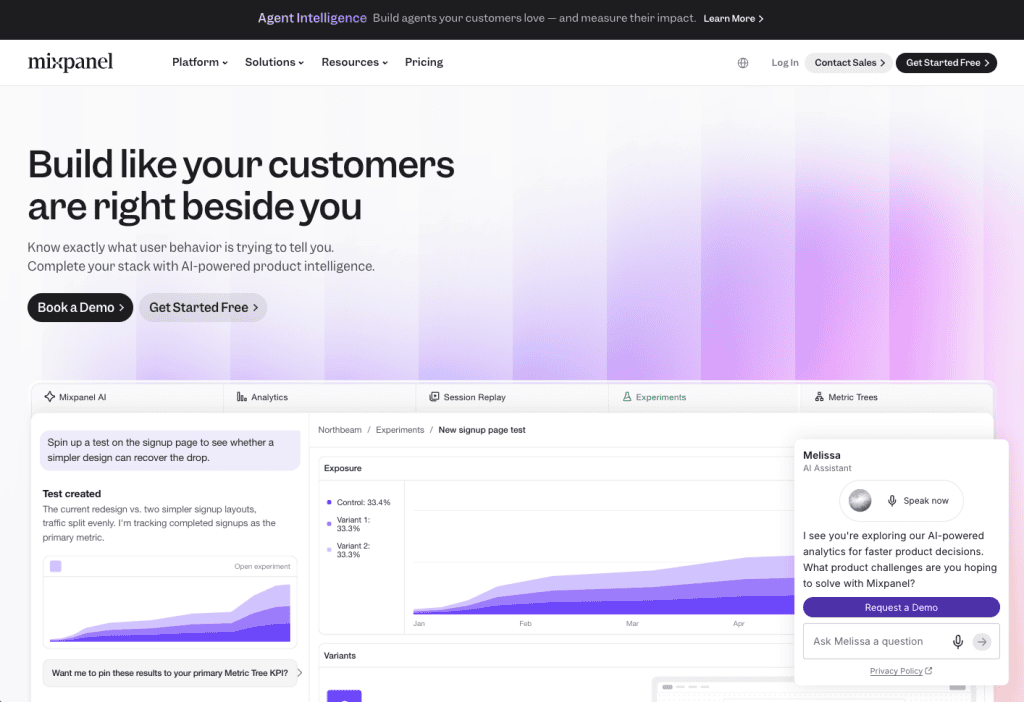
For enterprises operating custom applications or platforms with reliable event instrumentation, Mixpanel can support detailed investigations into software behavior.
Mixpanel Is Best For
Detailed analysis of application events, workflow patterns, and behavioral differences across employee groups.
Key Mixpanel Features
- Funnel Analysis: Measures progression through defined event sequences.
- Flows: Explores observed navigation and behavioral paths.
- Cohort Analysis: Compares users based on characteristics or behavior.
- Segmentation: Breaks down relevant events across employee groups.
- Session Replay: Provides additional context for supported user sessions.
- Integrations and Data Activation: Connects behavioral findings with other systems and supported workflows.
8. Nexthink Infinity
Nexthink Infinity provides digital employee experience analytics and troubleshooting capabilities across enterprise technology environments.
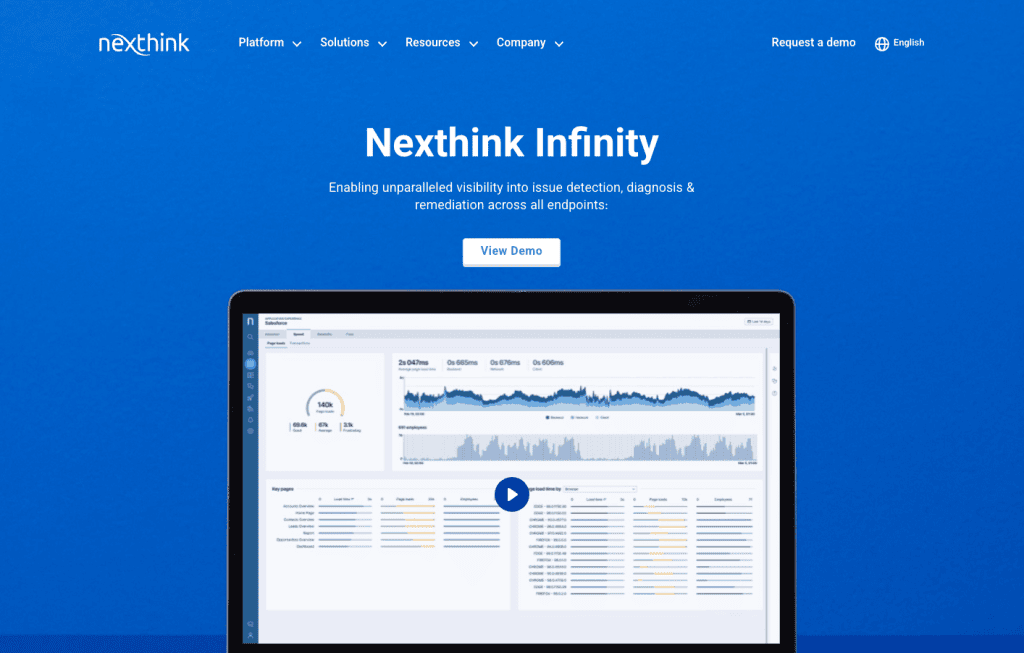
Its Application Experience capabilities help IT teams assess application health, reliability, and employee experience. Nexthink also offers digital adoption guidance capabilities that can support employees using browser-based applications.
Nexthink Is Best For
IT teams investigating application performance, employee experience, and technical causes of software adoption problems.
Key Nexthink Features
- Application Experience Monitoring: Tracks application health and employee experience.
- Technical Diagnostics: Helps investigate performance problems and application failures.
- Adoption Analysis:Provides visibility into selected application usage and employee experience patterns.
- Employee Feedback: Supports the collection of contextual employee experience information.
- Remediation Capabilities: Helps IT teams investigate and address technical issues.
- Nexthink Adopt: Provides in-app assistance and analytics for supported guidance experiences.
How to Choose Behavioral Analytics Tools for Enterprise Software
The best behavioral analytics tool depends on your enterprise applications, the user behavior and workflow data you need to analyze, your underlying nuanced use case and problem statement, and how you plan to act on those insights. A few key “before you buy” questions to ask include:
- Define your business requirements: Identify the applications, critical workflows, employee groups, adoption challenges, and business outcomes you need to measure.
- Verify application compatibility and data collection: Confirm support for your enterprise applications, deployment environments, user tracking, and cross-application workflows.
- Evaluate behavioral analytics capabilities: Prioritize user journeys, funnels, cohort analysis, session replay, and error tracking to investigate workflow friction and adoption gaps.
- Connect user behavior to business outcomes: Ensure you can correlate usage patterns with operational KPIs like workflow completion, processing times, errors, and support demand.
- Assess intervention capabilities: Determine whether insights can trigger targeted in-app guidance, employee training, workflow improvements, or technical remediation.
- Validate security, costs, and functionality: Review privacy controls, licensing, implementation requirements, and total cost, then test critical capabilities through a proof of concept.
Turn Enterprise Behavioral Analytics Into Action With Whatfix
Whatfix Product Analytics helps enterprise application owners understand how teams navigate core business apps, execute critical workflows, and why they encounter friction.
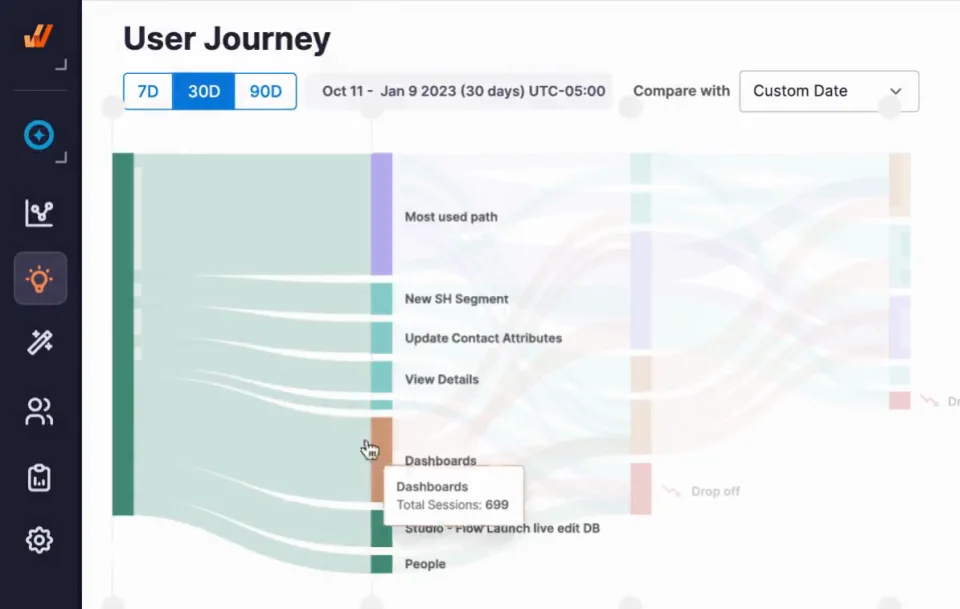
With capabilities like User Actions, Funnel Insights, User Journeys, Cohort Analysis, Session Replay, and AI-powered insights, teams can investigate adoption gaps, identify recurring issues, and prioritize workflow improvements across core enterprise applications.
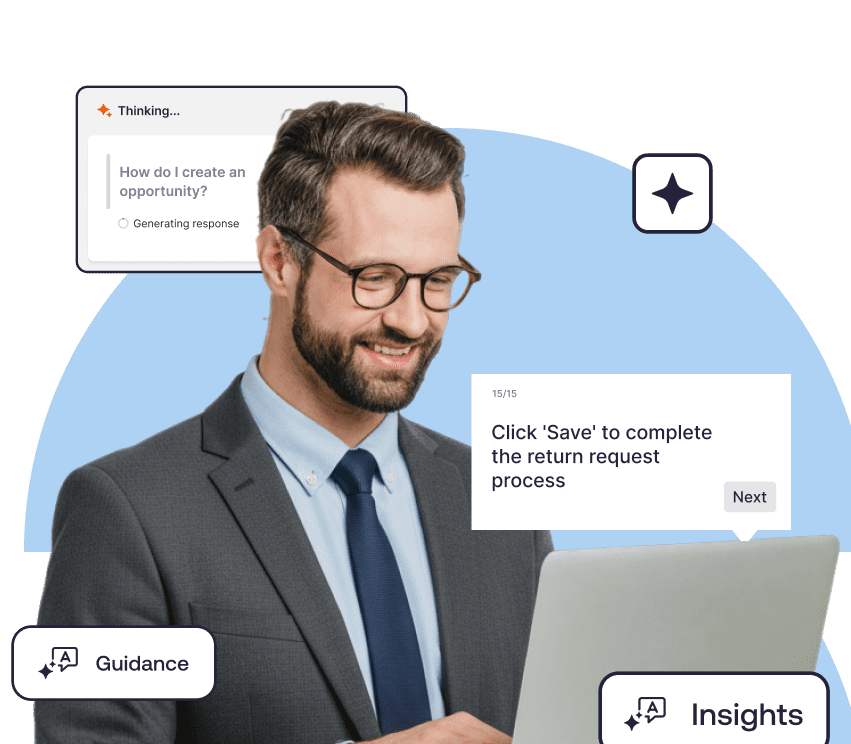
Unlike standalone analytics solutions, Whatfix Product Analytics can be paired with Whatfix DAP to turn behavioral findings into contextual, in-app guidance and support. This enables a continuous improvement cycle that identifies friction, addresses execution gaps, and measures the impact on workflow performance.
Here’s how organizations use Whatfix Product Analytics to maximize adoption of enterprise business applications:
Identify the Root Causes of Recurring Support Tickets
Analyze user journeys, repeated actions, and workflow drop-offs to investigate where employees struggle before requesting assistance. Combine behavioral insights with support ticket trends to identify recurring problems, distinguish potential training gaps from technical issues, and prioritize targeted improvements that reduce avoidable support demand.
Reduce User Errors and Improve Data Accuracy
Track validation errors, incomplete transactions, and repeated workflow steps to identify where employees struggle to execute required tasks correctly. Investigate the affected users and workflows, then introduce contextual guidance, field-level assistance, or process improvements to reduce errors, rework, and inconsistent data entry.
Map Business Workflows and Identify Friction Points
Use Funnel Insights, User Journeys, and Session Replay to understand how employees navigate business-critical workflows, where they abandon tasks, and which steps introduce unnecessary complexity. Compare behavior across teams, roles, and rollout cohorts to identify opportunities to streamline workflows, improve process adherence, and accelerate task completion.
Launch Targeted In-App Guidance Based on User Behavior
Connect behavioral insights from Whatfix Product Analytics with Whatfix DAP to deliver relevant interventions to specific employee cohorts. For example, target users who abandon an ERP workflow with step-by-step Flows, support employees struggling with required fields through Smart Tips, or provide contextual Self Help to teams adopting new application features. Monitor subsequent behavior to evaluate whether interventions improve adoption and workflow execution.
By connecting enterprise behavioral analytics with in-app guidance and continuous measurement, Whatfix helps application owners move from identifying adoption problems to improving how employees perform critical business workflows.
Request a Whatfix demo to see how Product Analytics helps identify workflow friction and drive targeted improvements across your enterprise applications.